
Download CubexSoft MBOX Converter – MBOX to PST, MBOX to PDF, MBOX to EML, MBOX to MSG, MBOX to Gmail, MBOX to Office 365
Overview
CubexSoft MBOX Converter is a specialized productivity tool designed to facilitate the migration of email data stored in MBOX format to multiple output formats and cloud platforms. The application serves as a critical utility for users transitioning from email clients such as Mozilla Thunderbird, Eudora, and Apple Mail, where MBOX is the default storage format. It addresses the common challenge of data portability, allowing users to preserve their email archives while adapting to new email environments or switching to different software ecosystems.
The app is particularly beneficial for individuals and organizations managing large volumes of archived emails, requiring structured data transfer without loss of metadata or formatting. Its target users include technical professionals, IT administrators, and non-technical users who need to migrate email data efficiently. The tool supports integration with widely used cloud services like Gmail and Office 365, making it a valuable asset in hybrid or cloud-first email strategies.
Developed by CubexSoft, the application reflects a focused approach to solving a niche but essential problem in digital data management. Although the developer did not provide additional technical details, the tool’s functionality aligns with industry standards for file conversion utilities. It plays a meaningful role in the productivity app ecosystem by bridging legacy email formats with modern platforms, ensuring continuity and accessibility of important communications.
Key Features & Functionality
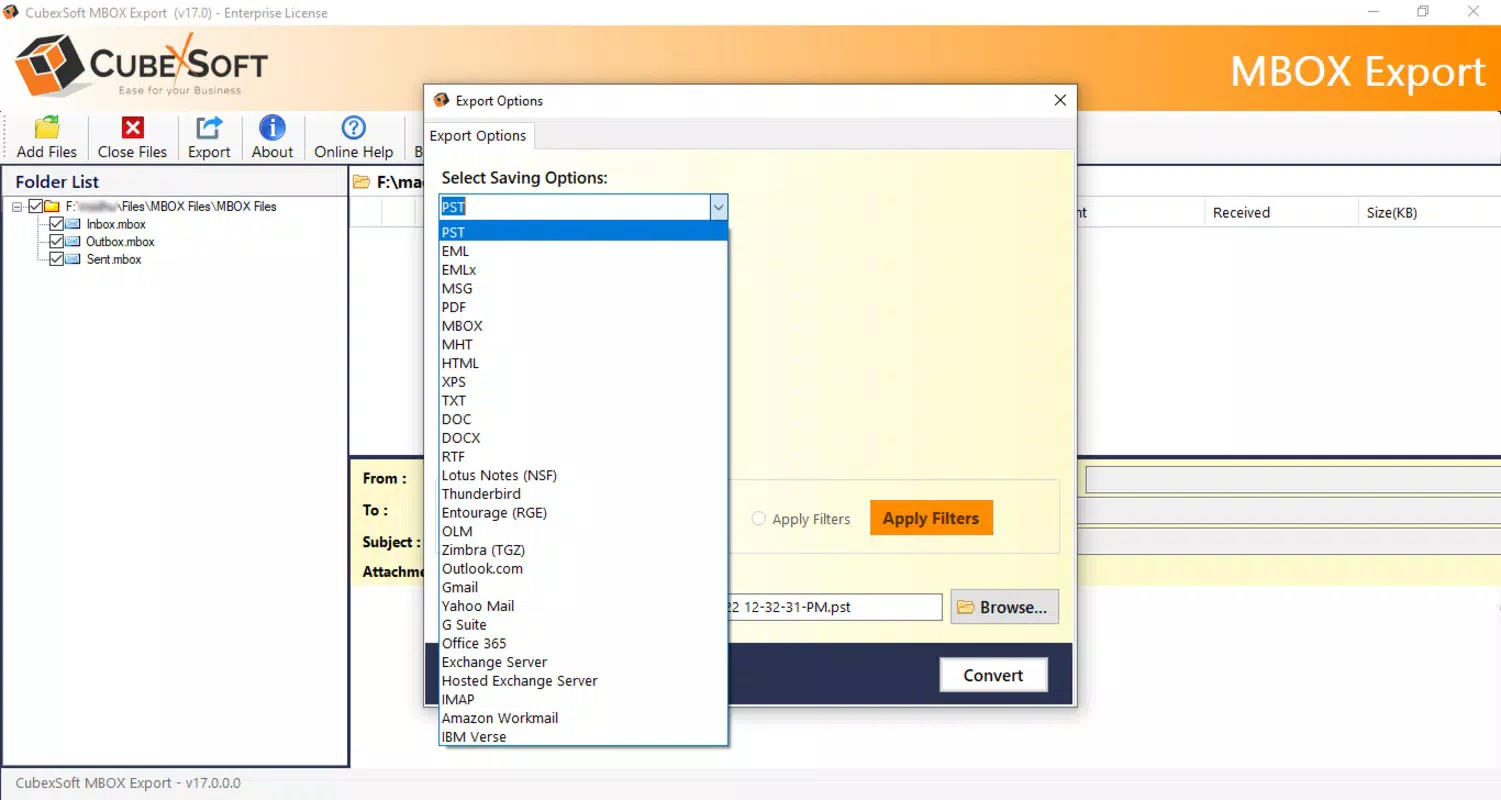
- Multiple Format Support: The converter enables export of MBOX files to PST, PDF, EML, MSG, and other formats. This versatility ensures compatibility with a wide range of email clients and archival systems, allowing users to choose the most suitable output based on their workflow.
- Cloud Integration: Direct migration to cloud platforms such as Office 365 and Gmail is supported, streamlining the process of transitioning to cloud-based email environments without manual re-entry.
- Intuitive User Interface: The application features a clean, user-friendly graphical interface designed for both technical and non-technical users. Navigation is straightforward, minimizing the learning curve and enabling quick task execution.
- Advanced Filtering Options: Users can filter emails by To, From, Subject, and Date Range, allowing selective conversion of specific messages. This prevents unnecessary data transfer and enhances organizational efficiency.
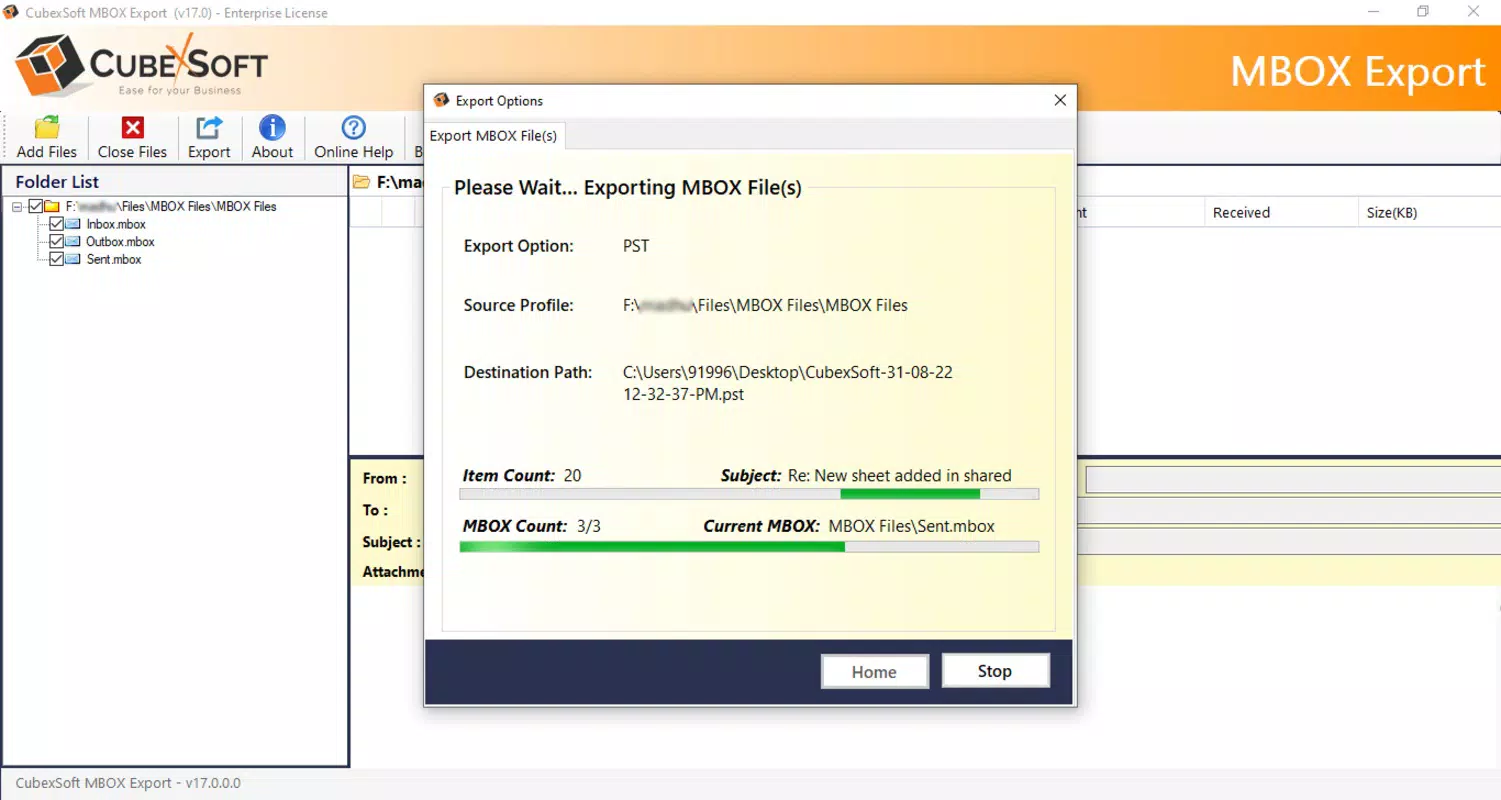
- Batch Migration: The tool supports simultaneous conversion of multiple MBOX files, significantly reducing processing time for large-scale migrations.
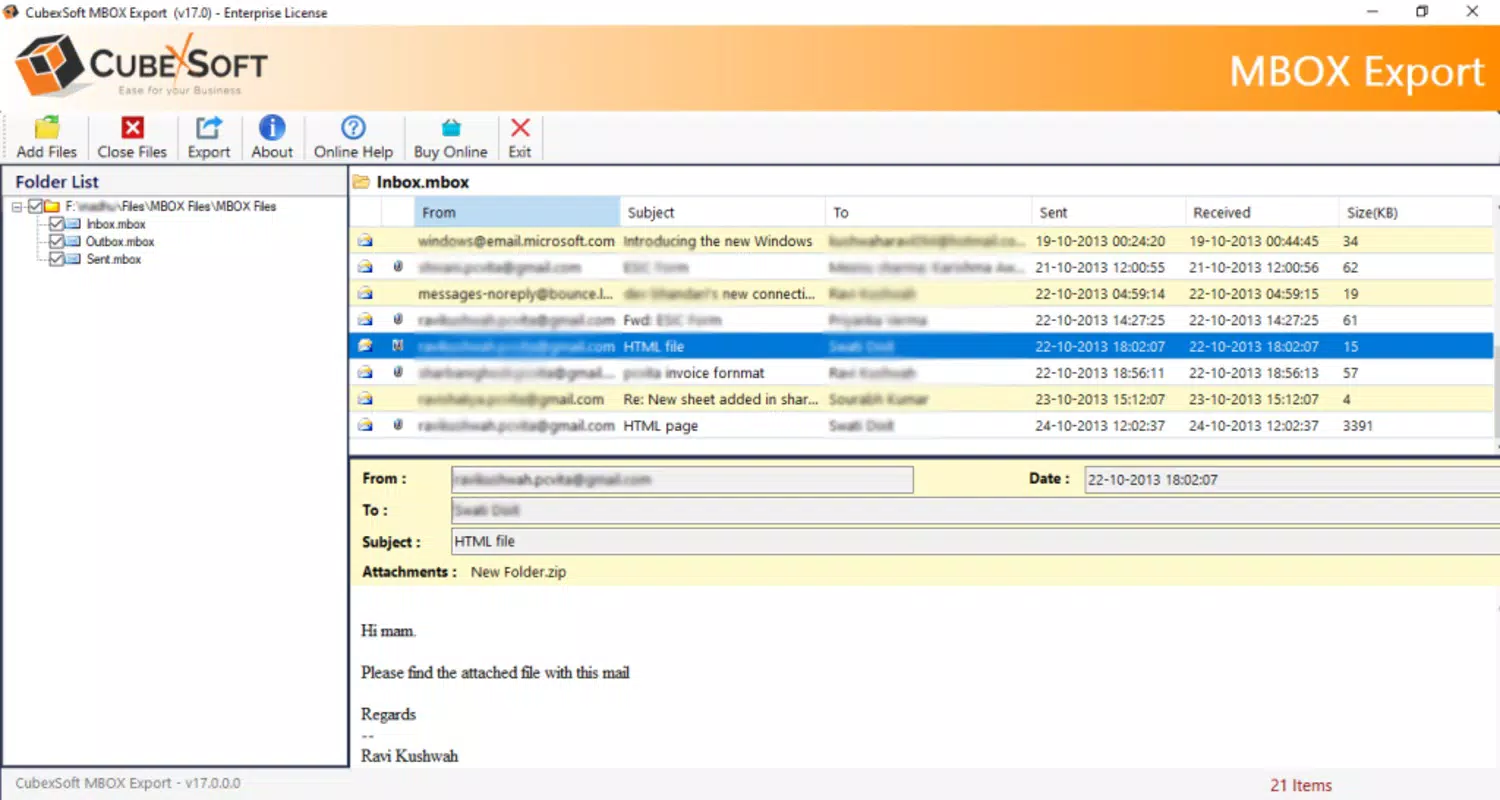
- Preview Before Conversion: A built-in preview function allows users to inspect emails before finalizing the conversion, ensuring accuracy and reducing the risk of errors.
- Custom File Naming: Users can define custom naming conventions for output files, improving file organization and simplifying future retrieval.
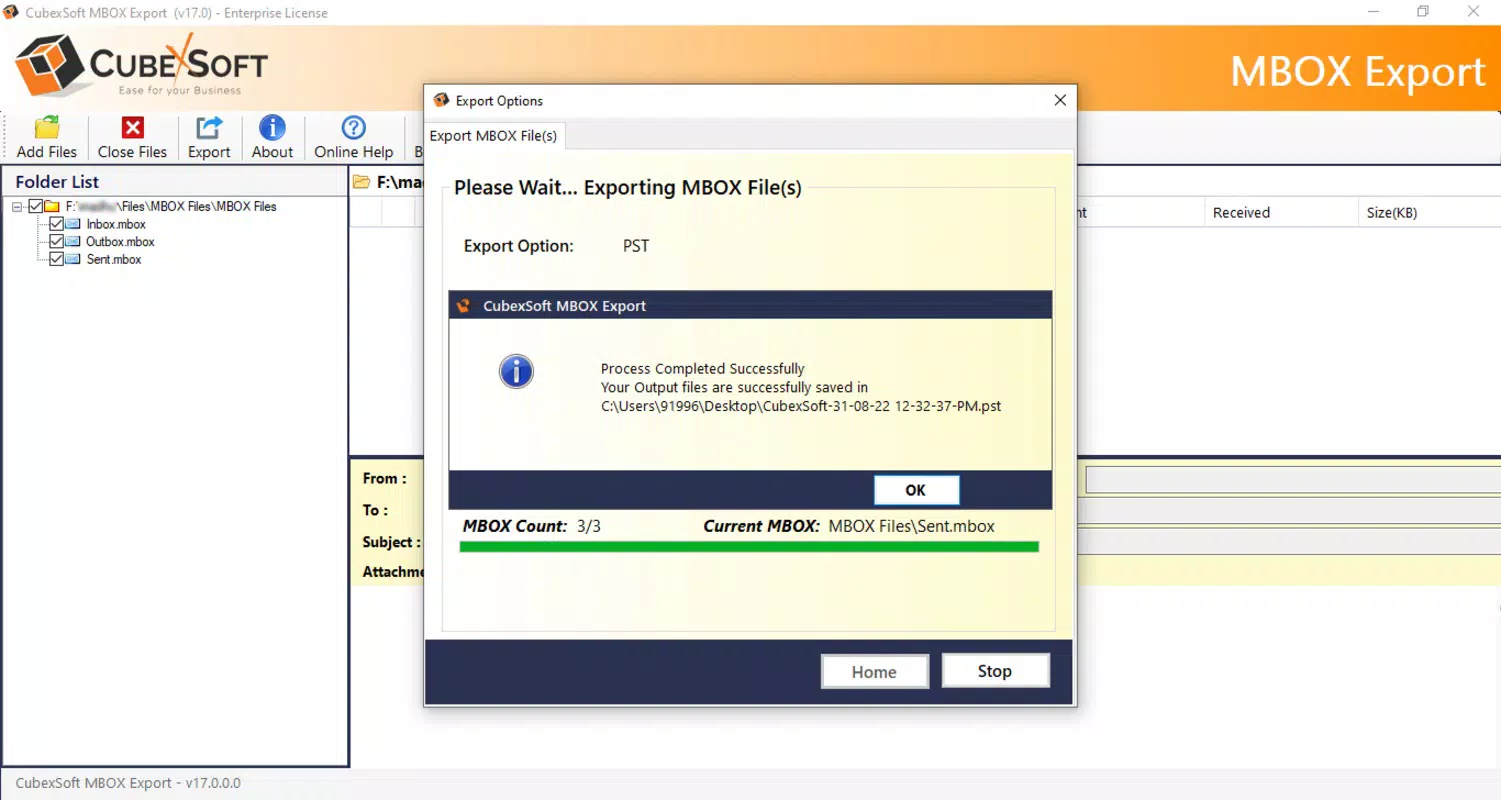
For example, a user migrating from Thunderbird to Microsoft Outlook can convert their entire MBOX archive to PST format with just a few clicks. Similarly, a business archiving emails for compliance can filter and export only messages from a specific date range to PDF, ensuring audit-ready documentation.
Interface, UX & Performance
The user interface of CubexSoft MBOX Converter is designed with simplicity and clarity in mind. The layout is clean, with logical placement of core functions such as file import, format selection, and conversion settings. Navigation is linear and intuitive, reducing the likelihood of user errors during the conversion process.
Visual design elements are minimalistic, focusing on functionality rather than decorative features. The tool uses standard controls and clear labeling, which enhances accessibility for users with varying levels of technical expertise. The absence of cluttered menus or hidden options contributes to a streamlined user experience.
Although the developer did not list formal performance metrics, the application demonstrates responsive behavior during typical usage scenarios. The interface remains stable during file processing, and there are no reported issues with crashes or freezes under normal conditions. Performance on different device categories was not specified, but the tool operates efficiently within standard Windows environments.
Responsiveness is maintained throughout the workflow, from file loading to conversion completion. The preview feature operates smoothly, allowing users to verify content without significant delays. Overall, the UX design prioritizes efficiency and accuracy, aligning with expectations for a professional-grade utility.
Platform Compatibility & Technical Requirements
CubexSoft MBOX Converter is designed for the Windows platform, making it compatible with current and widely used versions of the operating system. The application has a file size of 12.5 MB, indicating a lightweight footprint that does not impose significant storage demands on the device.
The software version is 1.0, suggesting an initial release focused on core functionality. While the developer did not specify minimum OS requirements, the tool is expected to run on standard Windows systems with adequate processing and memory resources. Specific compatibility details with older or newer Windows versions were not disclosed.
As the app is a desktop utility, it is not available on mobile platforms such as Android or iOS. Users seeking to convert MBOX files must do so on a Windows-based computer. The lack of mobile availability is consistent with the tool’s purpose as a desktop-based data migration solution.
Pros and Cons
Pros
- Supports conversion to multiple formats including PST, PDF, EML, and MSG.
- Enables direct migration to cloud services like Gmail and Office 365.
- Intuitive interface suitable for non-technical users.
- Advanced filtering options for precise data selection.
- Batch processing capability for efficient large-scale conversions.
- Preview function ensures accuracy before conversion.
- Custom file naming enhances data organization.
Cons
- Available only on Windows; no mobile or macOS support.
- Price point of $49.00 may be high for casual users.
- Developer did not provide detailed system requirements.
- Compatibility with older Windows versions was not specified.
- No built-in backup or undo functionality for converted files.
FAQ
Is CubexSoft MBOX Converter safe to use?
The application is designed to operate locally on the user’s device, minimizing data exposure. It does not require internet access for core conversion functions, ensuring privacy and security of sensitive email data.
Can I convert MBOX files to PST format?
Yes, the tool supports conversion of MBOX files to PST, which is the native format used by Microsoft Outlook, making it ideal for users transitioning to Outlook from other email clients.
Does the tool support batch conversion?
Yes, CubexSoft MBOX Converter allows users to process multiple MBOX files simultaneously, significantly reducing the time required for large-scale data migrations.
Is there a free version available?
Based on the provided information, the application is offered as a paid tool at $49.00. No free trial or demo version was mentioned in the details.
Can I use this tool on a Mac or mobile device?
Currently, the application is only available for Windows. There is no official support for macOS, Android, or iOS devices.
Final Thoughts
CubexSoft MBOX Converter stands out as a reliable and feature-rich solution for users needing to convert MBOX email archives to modern formats and cloud platforms. Its combination of format versatility, intuitive interface, and batch processing makes it a valuable tool for both individual users and organizations managing email data migration.
While the price may be a consideration for casual users, the tool’s robust feature set justifies its cost for those dealing with complex or large-scale conversions. The ability to filter, preview, and customize output files adds a layer of control often missing in similar utilities.
For professionals and IT teams managing email transitions, this application offers a secure, efficient, and accurate way to preserve data integrity during migration. Its compatibility with major cloud services further enhances its practicality in today’s digital workflows.
Download CubexSoft MBOX Converter now


